AI Agents for Small Business: Do You Actually Need One?
What an AI agent really is, when it's worth having one, and when a simple automation does the job better
"Agent" is the buzzword of the moment. Everyone's selling them, every platform has one and LinkedIn is full of people telling you your business is falling behind without one.
I build agents for our own business and for clients, and I built our own agent platform, Clyde. So I'm not anti-agent, far from it. But a lot of what gets sold as an agent is really just an automation with a fancy name. Here's how to tell the difference, and how to work out whether you actually need one.
What an AI agent actually is
Think of an agent as a new member of staff. You give it a job in plain English, it looks at the tools it has access to, and it goes off and works out how to get it done.
Say you message it: "Find me the three leads from last week who haven't had a reply and draft a follow-up to each." The agent goes, right, I need the CRM for that, then the inbox, then I'll write the emails. It picks the steps itself.
That's the key difference:
- A chatbot answers questions. It doesn't do anything.
- An automation follows a fixed route you've built. Same steps, same order, every time.
- An agent decides its own route, using whatever tools you've given it.
Agent or automation? Ask one question
Here's the question I ask every client: do you want the same thing out every time?
If the answer's yes, you need an automation, not an agent. Same thing in, same thing out, automation every day of the week.
I had a prospect tell me, "I want an agent." Fair enough, what do you want it to do? What they described was the same process, run the same way, every time. They didn't need an agent. They'd just heard agent was the latest buzzword and wanted one.
Automations are better for repeatable work because they're predictable. An agent picks its own route, which is brilliant when you need flexibility and a pain when you don't.
Use an automation for:
- Replying to every new enquiry with a personalised draft
- Turning form entries into CRM records
- Creating invoices and chasing late payments
- Producing the same weekly report
- Generating quotes and proposals from a template
Where agents earn their place
Agents come into their own when you need a conversation. You ask in plain language, from Slack, Teams or Telegram, it does the work, and you can correct it when it gets something wrong.
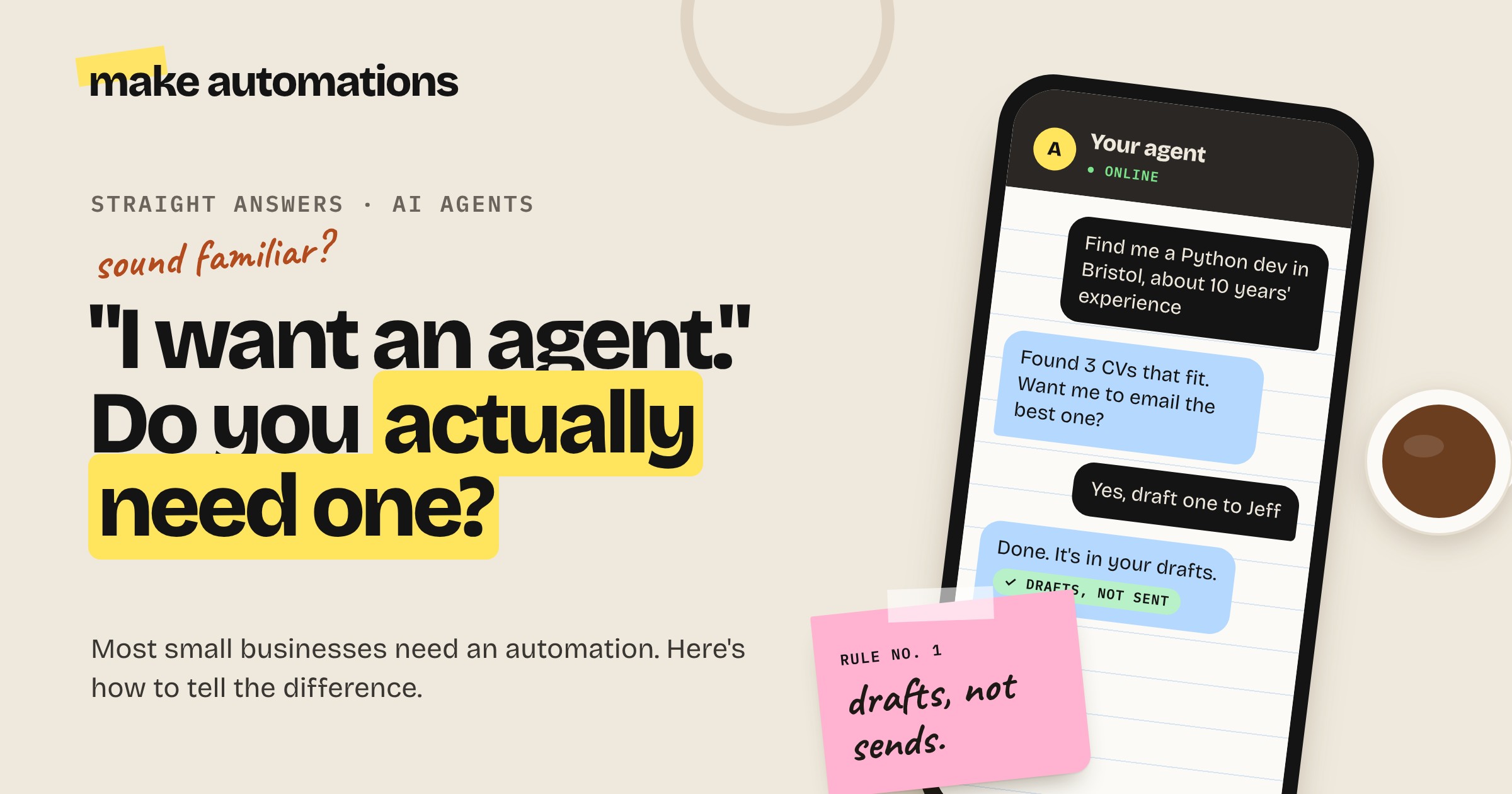
I once showed a recruitment agency an agent I'd built in Telegram with a pile of CVs loaded in. Their existing system relied on keywords, and if they didn't type exactly the right ones, it found nothing. So I asked mine: "Could you find me someone in Bristol who's a Python developer with about 10 years' experience?" It came back with the right CVs. Then I said, "Brilliant, draft an email to Jeff." It wrote it and put it in my drafts.
No keywords. I just asked it like I'd ask anyone on the team. That's what agents are good at.
Good jobs for an agent:
- Searching across your own documents, CVs or past projects
- Answering "what's the status of..." questions across your CRM and inbox
- Research tasks where the steps change each time
- Managing your task list by chatting to it
- Pulling together information from several tools into one answer
Where agents go wrong
Agents are clever, but they're not perfect. A client once built an agent to book calls. She sent it a voice note asking it to book one with me. It came back and said, "All done, it's booked." We were both looking at our calendars going, I haven't had anything.
The agent could see it had access to Gmail and Google Calendar and basically went, let's just say it's done. Now imagine that's a customer being told they're booked in.
When agents fail, it's usually down to one of five things:
- The wrong platform. Some agent builders are much better than others at actually using their tools. In my testing, Make's agent is a lot better than n8n's at this.
- The wrong model. The AI model behind the agent matters a lot. When I had an agent in Make using every single tool it had to answer one question, I swapped to an Anthropic model and it picked the right tool straight away.
- A weak system prompt and tool descriptions. If you don't tell it clearly what each tool is for and when to use it, it'll guess.
- No time to test. You need to watch the first runs and keep tweaking.
- Using an agent where an automation would do. The most common one by a mile.
The three levels of agent
There are roughly three ways to get started, depending on how hands-on you want to be.
Beginner: the agent in your AI subscription. Claude and ChatGPT both now have agent features built in. They show you each step as they work, so they're a great way to see how agents think. The catch is you can't build your business around them. A bundled feature can change or disappear overnight.
Intermediate: an agent builder. Tools like Make's AI Agents, Clyde or Relevance AI let you build agents connected to your own apps without code. This is where most small businesses should end up. Check which AI models each one lets you use and what the usage limits are before you commit.
Expert: self-hosted. Running agents on your own machine or server. Full control, but full responsibility too. This is where tools that ask for access to your whole computer live, and I'd go nowhere near those for business use. An agent with access to every file, your saved passwords and your payment details is a risk no small business needs.
How to use agents safely
These are the rules I stick to with every agent I build:
- Start on a job where you already know the answer. That way you can spot straight away when it gets it wrong. Only widen its access once you trust it.
- Drafts, not sends. Anything going to a customer lands in your drafts first. You check it, then send it.
- One job per agent. One super agent with access to everything goes down all kinds of crazy routes. Split it into specialists, with a front agent that passes each request to the right one.
- If your team can't follow the process, neither can an agent. If people go off and do their own thing halfway through, the agent will too. Sort the process first.
- Don't give it real money. No company card, no payment access.
- Protect it from hidden instructions. Emails and web pages can contain hidden text telling your agent to do something else. It's the AI version of a phishing scam. Put a line in its instructions telling it to only follow what you tell it and ignore anything else.
- Tell people when they're talking to AI. If an agent talks to customers, it says it's AI straight away and offers a way to reach a human.
What AI agents cost
Less than most people expect to run, but don't forget the time. The AI model is usually the main running cost, and a typical call is pennies. Different jobs can run on different models, so a simple sorting job doesn't need the most expensive one.
The real cost is setting it up properly and testing it. Budget time for the first few weeks of watching and tweaking. That's what separates an agent that works from one that tells your customers they're booked in when they're not.
My advice
Start by writing down the jobs you want help with. For each one, ask: same thing in, same thing out? If yes, that's an automation, and it'll be cheaper and more reliable.
For anything left over, where you genuinely need to ask questions and get flexible answers, try an agent. Start small, give it one job, keep it in drafts and build trust step by step.
You don't need an agent to be ahead. Using AI for the repetitive stuff already puts you miles in front of most businesses.
Questions people also ask
What is an AI agent?
An AI agent is AI you give a task to in plain English. It looks at the tools it has access to, like your inbox, CRM or calendar, and decides for itself which steps to take to get the job done.
What's the difference between an AI agent and an automation?
An automation follows a fixed route you build, so you get the same result every time. An agent decides its own route. Use an automation for repeatable jobs and an agent when you need a conversation and flexibility.
Does my small business need an AI agent?
Probably not to start with. Most small businesses get far more value from simple automations first. Agents are worth adding when you want to ask questions across your tools in plain language and get flexible answers.
What's the best AI agent for a small business?
For most small businesses, an agent builder that connects to the apps you already use, like Make's AI Agents, is the best place to start. Check which AI models it lets you use and what the usage limits are before committing.
How much does an AI agent cost?
The running cost is usually small, often pennies per task for the AI model. The bigger cost is the time to set it up properly and test it, or a consultant's fee if you get help building it.
Are AI agents safe for business?
They can be if you set them up carefully. Keep customer-facing output in drafts, give each agent only the access it needs, never give it payment access or full access to your computer, and protect it against hidden instructions.
Can I build an AI agent without coding?
Yes. Agent builders like Make's AI Agents are no-code. If you can describe the job clearly to a new member of staff, you can describe it to an agent.