Make vs Zapier vs n8n: Which Should a Small Business Use?
An honest comparison from someone who builds in all three, with real prices and a straight answer
I get asked this one more than anything else. Make, Zapier or n8n? I've built in all three, I've taught over 500 people automation, and I run 130+ live scenarios for our own business and our clients. So here's my honest take.
Quick disclaimer first. Make is our tool of choice and I'm a self-confessed Make fanboy. Not sponsored by Make, unfortunately. I'll tell you why I pick it, and I'll also tell you when I wouldn't.
The quick version
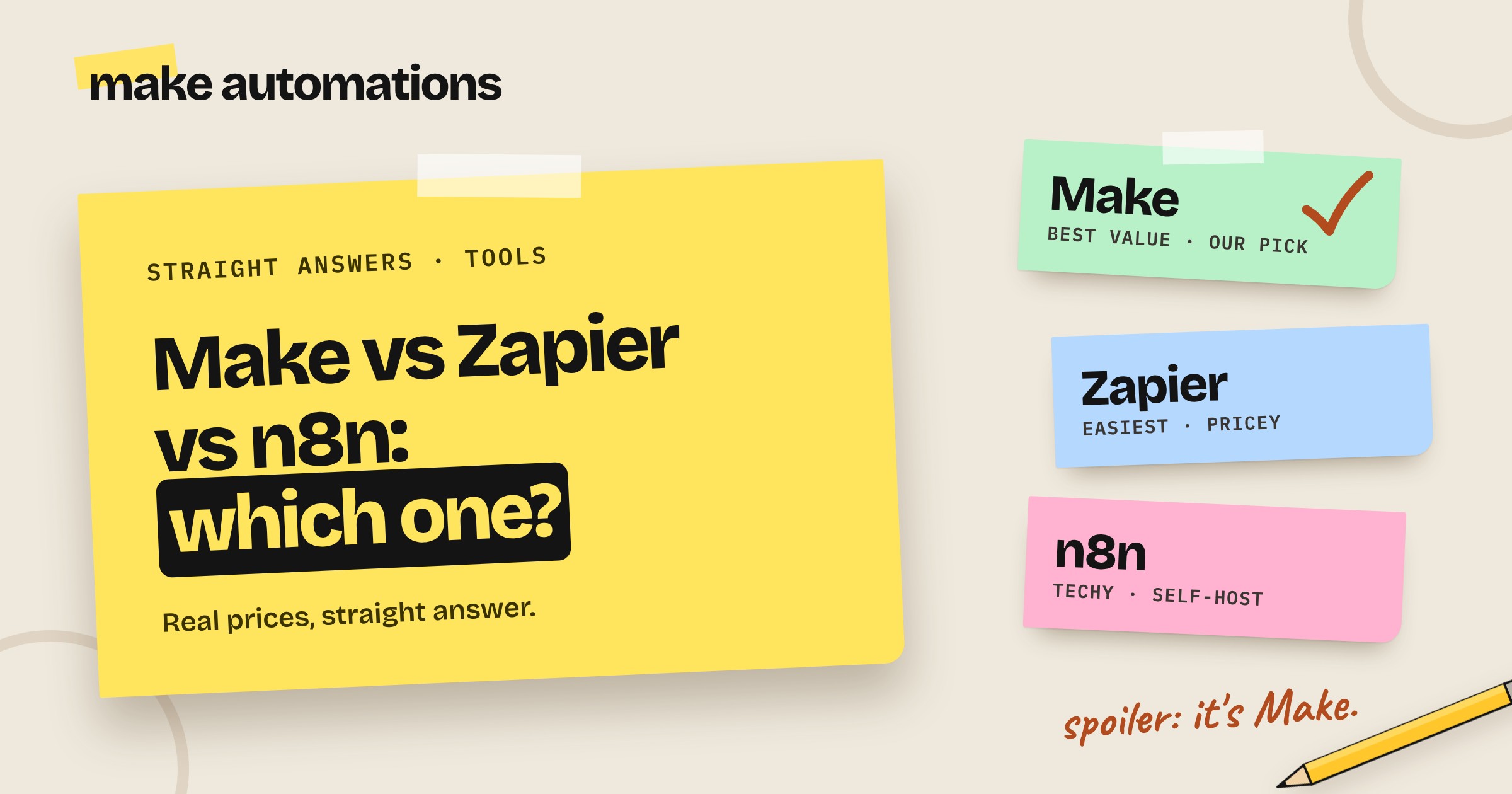
- Make for most small businesses. Best value, generous free plan, drag and drop, and powerful enough that you won't outgrow it.
- Zapier if money's no object and you want the simplest possible setup.
- n8n if you're comfortable with a bit of code and you're running serious volume, where self-hosting saves you a fortune.
Now the longer version.
What these tools actually do
All three do the same basic job. They connect the apps you already use and move information between them without you copying and pasting.
A form gets filled in on your website. The automation goes off, adds the person to your CRM, researches their company, drafts a reply in your inbox and pings you on Slack. You do nothing. That's an automation, and all three platforms can build it.
The differences are in price, how easy they are to learn and how much control you get.
Make: my pick for most businesses
For me, Make is the one. It's visual: every app is a bubble on a canvas, and you drag lines between them to show how the data flows. You can see exactly what your automation is doing, which matters a lot when something goes wrong.
Why I recommend it:
- The free plan is actually useful. 1,000 credits a month and two active scenarios. Enough to build your first couple of automations and see if they work before you spend a penny.
- It's the cheapest of the three once you're paying. The Core plan is about $9 a month billed yearly (around $10.59 monthly) for 10,000 credits.
- No gated essentials. Webhooks, multi-step scenarios, routers and filters are all there on the free plan. On Zapier you have to pay for some of these.
- It handles complex stuff without code. Branching logic, loops, error handling and AI modules are all built in. You can start simple and grow into it.
- The team listens. I once sent feedback on Make's Grid feature at about 3pm during the beta. By 8am the next morning the lead engineer on that team was in my inbox asking how to make it better. Another time I told them their data extractor was too expensive at 20 credits a page. A few days later they halved it to 10, for everyone, not just me.
The honest caveat: Make has a learning curve in the first week or two. The canvas looks a bit busy when you first open it. Make's own free training gets you past that quickly, and once it clicks, it really clicks.
Zapier: easy, but you pay for it
Zapier was the first big name in this space and it's still the easiest to pick up. It has the biggest app library of the three, over 8,000 apps, and you can get a simple two-step automation running in minutes.
The problem is the price. The free plan gives you 100 tasks a month and only two-step automations. As soon as you want anything with more than one action, or a webhook, you're on a paid plan. The Professional plan starts at $29.99 a month (or from $19.99 billed yearly) for just 750 tasks.
Zapier counts a task every time an action step runs. So a four-step automation that runs 30 times a day burns through 3,600 tasks a month. That's well past the entry plan before you've built anything else.
Putting webhooks behind a paid plan is a bit of a red flag for me. They're one of the most basic building blocks of automation.
Choose Zapier if: you only need a handful of simple automations, you value speed of setup over cost and you don't mind paying more as you grow.
n8n: powerful, but bring your tech hat
n8n is the one the techies love, and for good reason. It's incredibly flexible, and the big selling point is that you can self-host it. That means running it on your own server, so your data stays where you put it and you're not paying per run.
A small virtual server costs around $5 a month, and the self-hosted version is free with unlimited runs. If you're doing thousands of jobs a day, like processing reviews or running a busy chatbot, that's a massive saving. I'd definitely look at n8n for that sort of volume.
If you'd rather not run your own server, n8n Cloud starts at about €20 a month billed yearly (€24 monthly) for 2,500 workflow runs.
The catch is the learning curve. You need to understand JSON, the format apps use to pass data around, and be happy dropping into a bit of code. It's not a beginner tool, whatever anyone tells you.
I've also had trouble with n8n's AI agents. A client once built an agent in n8n to book our calls. She sent it a voice note, it came back and said, "all done, it's booked." We were both looking at our calendars going, I haven't had anything. The agent could see it had access to Gmail and Google Calendar, and basically went, let's just say it's done. Make's agent is a lot better at actually using the tools you give it.
Choose n8n if: you or someone on your team is technical, you want full control of your data, or you're running high volumes where per-run pricing would hurt.
Make vs Zapier vs n8n: side by side
| Make | Zapier | n8n | |
|---|---|---|---|
| Free plan | 1,000 credits a month | 100 tasks, two-step only | Free if you self-host |
| Entry paid plan | About $9 a month (yearly) | From $19.99 a month (yearly) | About €20 a month (Cloud, yearly) |
| What it counts | Each module that runs | Each action step | Each whole workflow run |
| Ease of use | Beginner friendly to a point | Easiest | Steepest learning curve |
| Webhooks on free | Yes | No | Yes |
| Self-hosting | No | No | Yes |
| Best for | Most small businesses | Simple setups, bigger budgets | Technical teams, high volume |
Prices checked October 2026. These change often, so check each platform's pricing page before you sign up.
What it costs in real life
Let's take a common one. A lead comes in through your website form. The automation adds it to your CRM, researches the company, drafts a reply and sends you a Slack message. Say you get 30 leads a day.
- Make: around 5 credits a run, so about 4,500 credits a month. The $9 Core plan covers it with room to spare.
- Zapier: four action steps a run, so about 3,600 tasks a month. You're past the 2,000-task tier, so expect to pay well over $50 a month.
- n8n: about 900 workflow runs a month. Cloud Starter covers it, or around $5 a month on your own server.
The AI step costs extra on all three, but it's usually pennies. An LLM call in an automation is typically around 10 cents or less.
Can you switch later?
You can, but there's no export button that turns a Make scenario into a Zap or the other way round. You rebuild it. That's why it's worth picking properly at the start.
The good news is the thinking carries over. Once you know how to work out what starts your automation and what the end result should be, you can build it in any of the three. The middle is just connecting the dots.
My advice
Start on Make's free plan. Pick one small, annoying job you do every week, like copying form entries into a spreadsheet or replying to the same enquiry, and automate that. Don't try to rebuild your whole sales process on day one, you'll get lost in the middle and give up.
Use what you already have as the trigger. Your forms, your inbox, your CRM. You don't need to buy anything new to get started.
Build the first step, test it, then carry on. And give it a go.
Questions people also ask
Is Make cheaper than Zapier?
Yes, in almost every case. Make's Core plan is about $9 a month billed yearly for 10,000 credits. Zapier's Professional plan starts from $19.99 a month billed yearly for 750 tasks. For the same workload, Make usually works out several times cheaper.
Which is easier for beginners, Make or Zapier?
Zapier is quicker to pick up for very simple two-step automations. Make takes a week or two to get comfortable with, but it's still beginner friendly and you won't outgrow it. You don't need any coding skills for either.
Is n8n free?
The self-hosted version is free with unlimited runs, but you pay for the server (around $5 a month) and you need the technical know-how to set it up and maintain it. n8n Cloud, where they host it for you, starts at about €20 a month billed yearly.
Do I need to know how to code to use Make?
No. Make is drag and drop. If you understand what information goes in and what result you want out, you can build it. If you ever do need a bit of code, AI can write it for you.
Does Make work with Xero, QuickBooks and HubSpot?
Yes. Make has ready-made connections for all three, plus thousands of other apps. If an app has an API, Make can usually connect to it even without a ready-made module.
Can I move my automations from Zapier to Make?
Not automatically. You'll need to rebuild them in Make. Most simple Zaps take minutes to rebuild, and it's a good chance to tidy them up.
Which is best for AI agents?
All three now have AI agent features. In my testing, Make's agent is better than n8n's at actually using the tools you give it. But most businesses asking for an agent actually need a simple automation, which all three handle well.