How to Automate Lead Follow-Up So You Never Miss a Lead
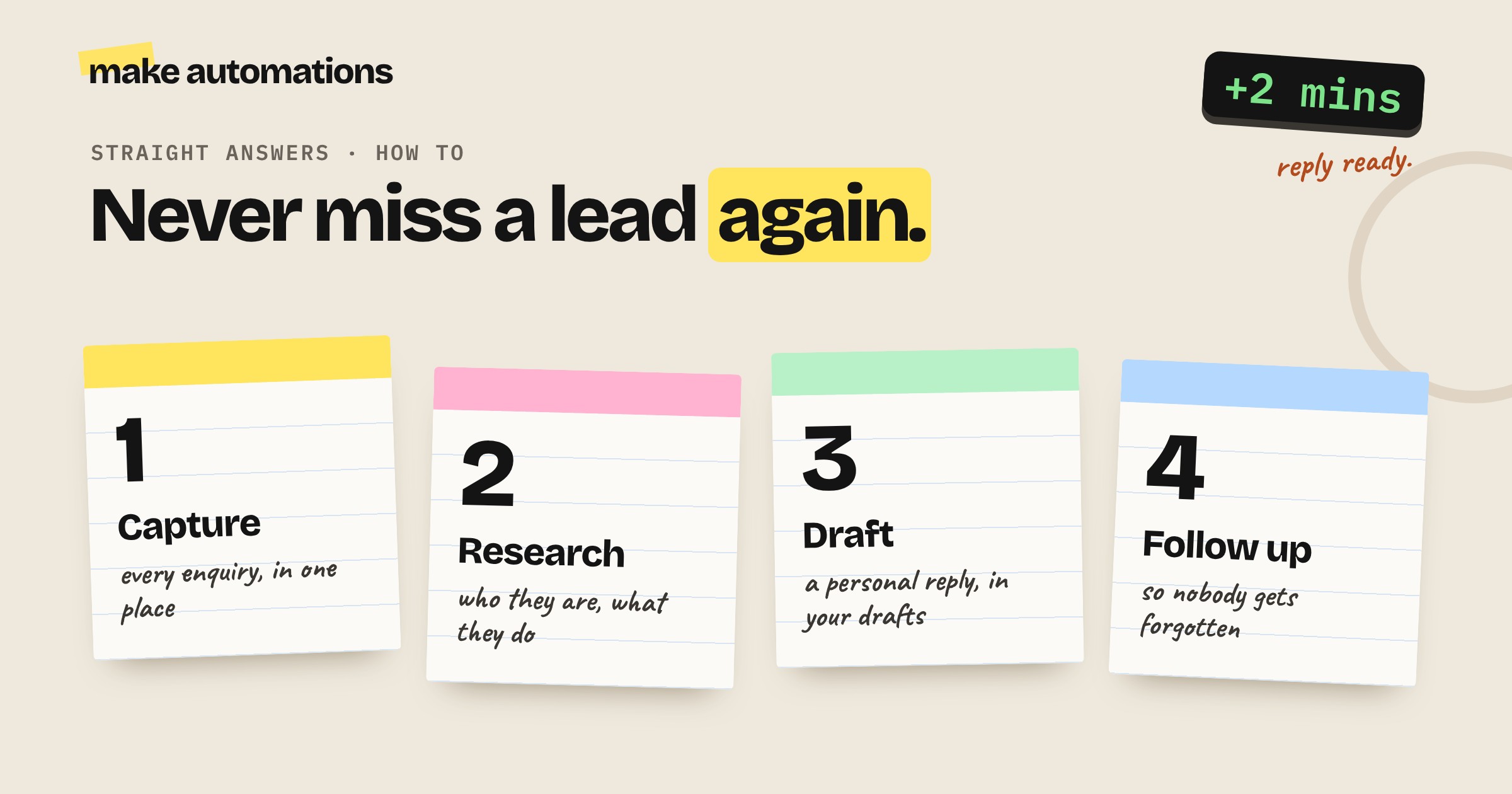
Capture every enquiry, research who it's from and have a personal reply ready in minutes, without sounding like a robot
The first automation I ever built was for my own website form. Someone filled it in, the automation went off and looked at their website so it understood what their company did. Then a bespoke reply was waiting for me before I'd even seen the enquiry.
It's still one of the most useful things you can automate. Because in sales, the first business to reply properly usually wins. I spoke to one business that won a job simply because they got their quote out in two days. Their competitors were still working on theirs two months later.
Here's how to set up lead follow-up so every enquiry gets a fast, personal reply, even when you're busy.
Why speed matters so much
When someone sends an enquiry, they've usually sent it to a few businesses. The one that replies first, with something that shows they've actually read the enquiry, has a head start on everyone else.
The problem is that small businesses are busy. Enquiries come in while you're on a job, in a meeting or asleep. By the time you get to them, someone else has already been in touch.
Automating the front of your sales process fixes that:
- Every lead gets captured. Nothing gets lost in an inbox.
- Every lead gets researched, so your reply is relevant.
- Every lead gets a reply drafted within minutes.
- Nobody gets forgotten, because follow-ups are tracked.
Step 1: Capture every lead in one place
Start by listing everywhere enquiries come from:
- Your website contact form
- Your email inbox
- Booking or quote request forms
- Social media messages
- Phone calls (if you log them)
Then use an automation platform like Make to send every new enquiry to one place. That could be a CRM like HubSpot, or a Google Sheet if that's what you use. You don't need to buy an expensive CRM to do this. Use what you already have.
Step 2: Research the lead automatically
This is where a generic auto-reply becomes a reply that looks like you sat down and looked them up.
When a new lead comes in, the automation can:
- Visit their website, from the address in the form or their email domain, and summarise what the company does
- Check their social profiles for recent activity
- Look up company size from LinkedIn
- Check Companies House for company details if they're in the UK
I use Perplexity for this kind of research inside automations, because it gives a more rounded answer than a basic web search.
It's quick to set up, and it makes a huge difference. Katie once received a cold email that said, more or less, "We help businesses like yours modernise your legacy apps." Her business didn't have any software. That email went straight in the bin. Research is what stops you sending that.
Step 3: Draft a personal reply
Now give the AI everything: the enquiry, the research and information about your services and how you write. It drafts a reply that answers their question, mentions something relevant about their business and suggests a clear next step, like booking a call.
A few rules make this work:
- Use your own tone of voice. Give the AI examples of replies you've written yourself, so it sounds like you and not like a robot.
- Drafts, not sends. The reply lands in your drafts. You read it, tweak it if needed and hit send. It takes a minute instead of twenty.
- Add a short delay. A reply that arrives four seconds after someone hits submit feels automated. Waiting a few minutes before the draft appears feels more natural when you send it straight away.
- Don't use it for complaints. If the enquiry is actually a complaint, flag it to a human instead.
Step 4: Score and prioritise
If you get a lot of enquiries, the automation can also score each lead so you know who to call first. For example:
- Is the company the right size for you?
- Is it a service you actually offer?
- Do they sound ready to buy, or just browsing?
High-scoring leads can trigger a message to you in Slack, Teams or by text, so you can pick up the phone while they're still keen.
Step 5: Follow up so nobody falls through the cracks
Most leads don't buy after the first reply. The follow-up is where a lot of businesses lose them.
Set the automation to:
- Remind you if a lead hasn't replied after a few days
- Draft a follow-up for you to check and send
- Update the lead's status in your CRM or sheet, so you can see at a glance who's waiting on what
Again, keep these in drafts. A personal follow-up from you lands far better than an obvious automated sequence.
What a lead follow-up automation looks like
Put together, a typical setup looks like this:
- A new enquiry comes in through your website form
- It's added to your CRM or spreadsheet
- The automation researches the company's website and details
- AI scores the lead and drafts a personal reply
- The draft appears in your inbox and you get a ping if it's a hot one
- You check it and send it
- If there's no reply after a few days, you get a reminder and a follow-up draft
Most of that runs in the background in a couple of minutes.
What about AI phone agents?
Voice agents can answer calls and handle inbound enquiries now, and they'll keep getting better. If you use one:
- Only use it for people who've contacted you, like inbound calls and form fills. Not cold calling.
- Tell callers straight away that they're speaking to AI.
- Always build in a route to a human, especially for anything sensitive.
Keep the relationship human
Automation should get you to the conversation faster. It shouldn't have the conversation for you. Closing a sale, especially a high-value one, needs a person. If someone's about to spend serious money with you and gets an email full of AI giveaways, that's a problem.
Let the automation capture, research, draft and remind. You do the talking.
What it costs
Make's Core plan is about $9 a month billed yearly, and a lead follow-up automation uses a handful of credits per lead. The AI research and drafting costs pennies per lead. If it wins you even one extra job a year, it's paid for itself many times over.
My advice
Start with your website form. Get new enquiries into a sheet or your CRM with a researched, personal reply drafted in your inbox. That one automation will probably change how quickly you respond more than anything else you do this year.
Then add the follow-up reminders. And make sure you're the first one on their desk.
Questions people also ask
How do I automate lead follow-up?
Connect your enquiry sources, like your website form and inbox, to an automation platform such as Make. Each new lead is added to your CRM or a spreadsheet, researched automatically and a personal reply is drafted in your inbox for you to check and send. Then add reminders for leads who haven't replied.
Should I send automated replies straight to leads?
It's better to keep them as drafts. You can check and send a well-researched draft in a minute, and it avoids the risk of an obviously automated or incorrect reply going out to a potential customer.
Do I need a CRM to automate lead follow-up?
No. A Google Sheet works fine to start with. If you already use a CRM like HubSpot, the automation can add leads there instead.
How can AI research a lead?
An automation can visit the lead's website, check their social profiles, look up company size on LinkedIn and check Companies House in the UK, then summarise it so your reply is relevant to their business.
How fast should I reply to a new lead?
As fast as you can. People often contact several businesses at once, and the first to reply properly has a big advantage. An automation can have a personalised draft ready within minutes.
Can AI phone agents handle my enquiries?
They can handle inbound calls and enquiries from people who've already contacted you. Tell callers straight away that they're speaking to AI and always give them a way to reach a person.
How much does lead follow-up automation cost?
Make's Core plan is about $9 a month billed yearly, and the AI research and drafting costs pennies per lead. One extra won job usually covers the cost many times over.