Claude for Small Business: How to Actually Get Value From It
How to set Claude up so it knows your business, which plan you need and the jobs it's brilliant at
Claude is my daily driver. I use it for writing, planning, building tools, working through ideas and pretty much running the business day to day.
But I see the same thing over and over with business owners. They sign up, ask it a few questions like it's Google, get some fairly average answers back and decide it's not for them. Or they pay for it and never get past the basics.
The problem isn't Claude. It's that nobody's shown them how to set it up for their business. So that's what this post is.
Why Claude works so well for small businesses
I've used all the big AI assistants, and for small business work Claude is the one I keep coming back to. Three reasons:
- It writes like a human. Of the big three, it's the best at sounding like a person rather than a robot. That matters when it's helping with emails, proposals and posts.
- It follows instructions properly. Tell it how you want things done and it actually sticks to it. That's why I use it inside our automations too.
- It'll tell you when your idea has holes in it. It's much less of a yes man, which is exactly what you want when you're making business decisions.
The honest caveat: Claude doesn't make images or video. I keep a free Gemini account for that. If you want the full comparison, it's in ChatGPT vs Claude vs Gemini.
Which Claude plan does a small business need?
Here's the quick version:
- Free: fine for a quick try, but it's pretty restrictive. You'll hit usage limits quickly and you miss out on a lot of the good stuff.
- Pro: around $20 a month. This is where most solo business owners and small teams should start. You get Projects, connectors, skills and a lot more usage.
- Team: worth it once you've got a few people using Claude and want shared projects and admin controls in one place.
As of October 2026. Plans and pricing change often, so check Anthropic's site before you sign up.
My advice: if you're serious about using it for work, go straight to Pro. The free plan doesn't really let you try the bits that make the biggest difference.
How to set Claude up properly for your business
This is the bit most people skip, and it's the bit that changes everything. I always set it up in this order.
1. Tell it who you are
In your settings you can give Claude instructions that apply to every chat. Tell it who you are, what your business does, who your customers are and how you want it to answer. Even "keep it short and give me the key points" makes a big difference.
That one thing will make your experience 10 times better.
2. Turn on memory
Memory lets Claude pick up things about you and your business over time, so you're not re-explaining yourself every chat. If there's a chat you don't want it to remember, use an incognito chat for that one.
One warning: don't feed it other people's content to copy. If you paste in someone else's posts and ask for more like that, it starts thinking that's you.
3. Use Projects for each area of your business
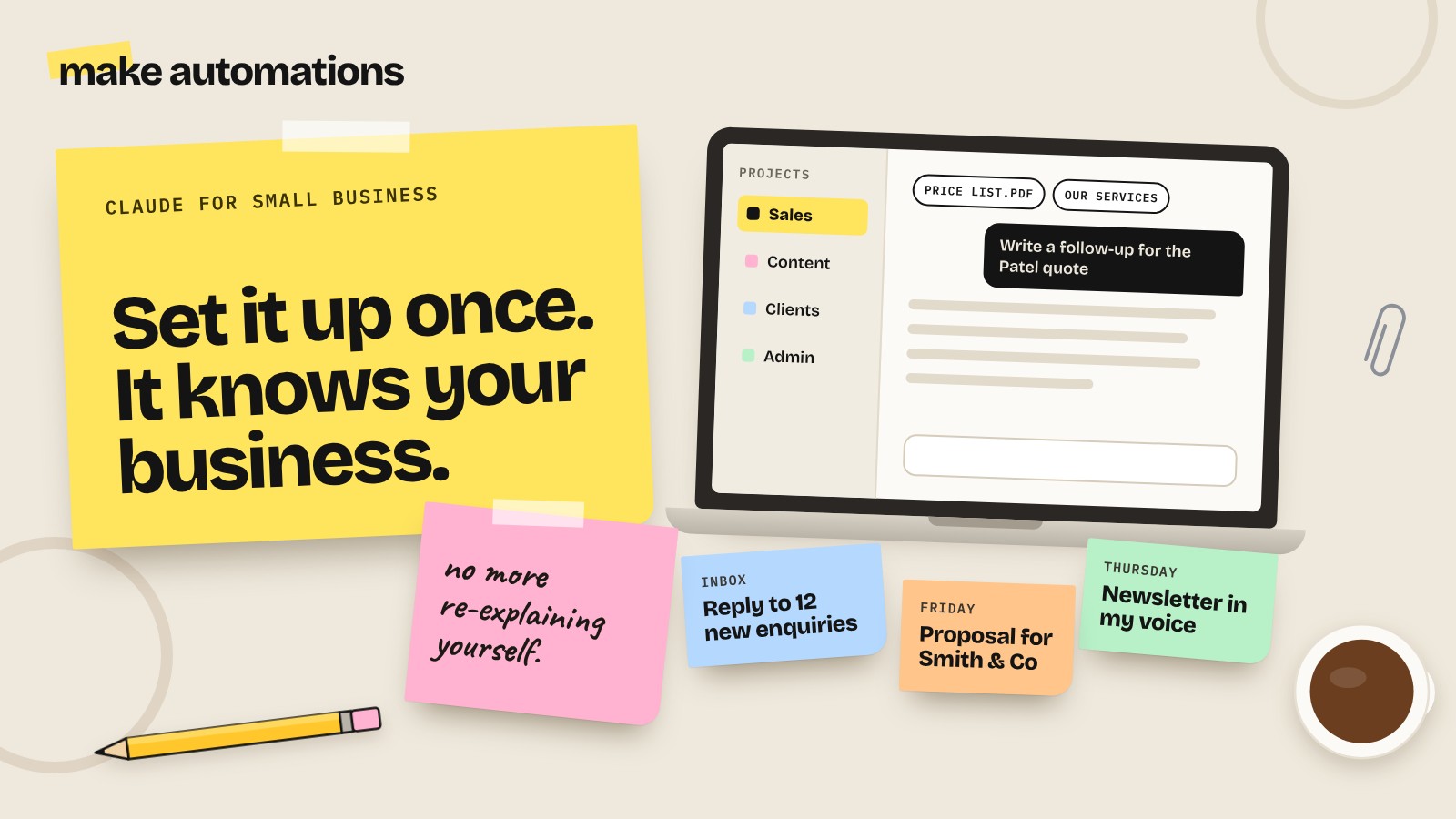
A Project is like a dedicated workspace with its own instructions and files. I'd set up one per client, or one per part of the business: sales, content, admin, that sort of thing.
Drop in your price list, your services, your website copy, a few examples of your best work. Then every chat in that Project already knows all of it. No more copy and pasting the same background in every time.
4. Connect the apps you already use
Connectors link Claude to tools like Google Drive, Gmail, your calendar and loads more. So instead of downloading a file and uploading it, you just ask: "find last month's proposal for Smith & Co and write a follow-up email based on it."
Set the permissions so nothing gets sent or changed without you saying so. Claude drafts, you check and send.
5. Turn your repeat jobs into skills
If you ask for the same kind of thing every week, like a newsletter in a certain format, a quote in your house style or a social post in your tone of voice, turn it into a skill. It's basically a saved set of instructions Claude uses whenever that job comes up.
You can even have Claude write the skill for you. Once it's set up, you never have to re-teach it how to do that job again.
Jobs Claude is brilliant at for small businesses
Once it's set up, here's where I see small businesses get the most value:
- Emails and replies: drafting responses to enquiries, follow-ups and the awkward ones you've been putting off
- Proposals and quotes: turning your notes from a call into a proper proposal using your own templates
- Content: blog posts, newsletters and social posts in your voice, as long as you've given it examples
- Planning and decisions: working through a new idea, a pricing change or a tricky client situation
- Documents and spreadsheets: creating docs, decks and sheets you can actually download and use
- Research: getting your head around a topic, a competitor or a new market quickly
- Social graphics: this one surprises people. Ask Claude to design your graphics in HTML using your brand colours. You can then ask for exact tweaks like "make the headline bigger" without it changing everything else
Common mistakes to avoid
- Treating it like Google. One-line questions get one-line quality answers. Give it context: the email you're replying to, the document, the goal.
- Skipping the setup. No instructions, no Projects, no examples means generic answers. Generic in, generic out.
- Flitting between tools. I used to bounce between Claude and ChatGPT and wasted loads of time. Pick one and learn it properly.
- Letting it send things for you. Anything going to a customer should be checked by a human first. Drafts, not auto-sends.
- Using downloaded prompt packs. If a thousand people use the same prompts, a thousand people sound the same. Write your own with your context in them.
Is Claude safe for business data?
Mostly yes, as long as you set it up sensibly. Check your privacy settings, and if you don't want your chats used to improve Anthropic's models, turn that option off. Team and Enterprise plans aren't used for training by default.
And the usual common sense applies: be careful what client data you put in and know what each connector has access to. Our guide on whether AI is safe for business goes into more detail.
Where to start
Don't try to do everything at once. Here's what I'd do this week:
- Get on the Pro plan
- Add your business instructions
- Set up one Project for the area that eats most of your time
- Connect one app, probably your email or Google Drive
- Use it for real work every day for a week
That's it. Once Claude knows your business, you'll wonder how you managed without it.
And if you'd rather skip the trial and error, that's exactly what our Claude training is for.
Questions people also ask
Is Claude good for small businesses?
Yes. Claude is one of the best AI assistants for small businesses, especially for writing, planning and working with your own documents. It writes naturally, follows instructions well and gives honest feedback rather than agreeing with everything.
Which Claude plan should a small business get?
Most solo business owners and small teams should start on Claude Pro, which is around $20 a month. The Team plan is worth it once several people need Claude and you want shared projects and admin controls.
Is Claude better than ChatGPT for business?
For writing, following instructions and working with your own files, we find Claude is better for most business work. ChatGPT's free plan is a good place for complete beginners to try AI first. Claude doesn't create images or video, so you may want a free Gemini account alongside it.
How do I set up Claude for my business?
Add instructions about your business in your settings, turn on memory, create a Project for each area of work with your key files in it, connect the apps you use like Google Drive and Gmail, then turn repeat jobs into skills.
Can Claude connect to Google Drive and Gmail?
Yes. Claude has connectors for Google Drive, Gmail, Google Calendar and many other tools, so it can find files and draft emails using your real information. You can set permissions so nothing is sent without your approval.
Is Claude safe to use for business data?
Generally yes, if you set it up sensibly. Check your privacy settings and turn off model training if you don't want chats used to improve Claude. Team and Enterprise plans aren't used for training by default. Be careful with sensitive client data and check what each connector can access.
Do I need to be technical to use Claude?
No. If you can write an email, you can use Claude. The setup takes a little time, but none of it needs any technical knowledge.