AI for Engineering Firms: Less Paperwork, Same Engineering Judgement
Where AI genuinely saves a small engineering consultancy or design firm time, from bids and technical documents to BOM changes and finding last year's project, from someone who still runs one
I still run an electrical design business, and most of our work comes through word of mouth. What gets me excited is solving the problem and delivering the design. What doesn't is the bid write-up, the test procedure, the document that needs updating because the BOM changed again.
If you run a small engineering firm, you'll know the feeling. The engineering is the job. Everything around it is what eats the week.
Most engineering firms haven't started yet
The Royal Academy of Engineering found 57% of UK engineering and technology companies are not adopting productivity-improving technologies, including AI. And the IET's skills survey found that while 58% of engineering employers use AI in some form, only 18% do so regularly.
So if your use of AI so far is the odd question to ChatGPT, you're in the majority. The firms pulling ahead are the ones using it on the same jobs every week.
Where AI genuinely helps an engineering firm
- Bids and proposals. A first draft from the tender documents, your past bids and your CV library, in your firm's format. You add the engineering and the price.
- Technical documents. Reports, specifications, test procedures and user manuals drafted from your templates and notes, so engineers are editing rather than starting from a blank page.
- BOM changes. Two BOM revisions compared line by line, with every added, removed and changed part listed. The kind of job that's tedious by eye and easy to get wrong.
- Datasheets. Key specs pulled out of a stack of supplier datasheets into one table, so you can compare parts quickly. Then you check the ones that matter against the source.
- Requirements and compliance matrices. A customer spec turned into a list of requirements, with a draft matrix of where each one is met.
- Design reviews. Notes from a review turned into minutes and an action log, with owners and dates.
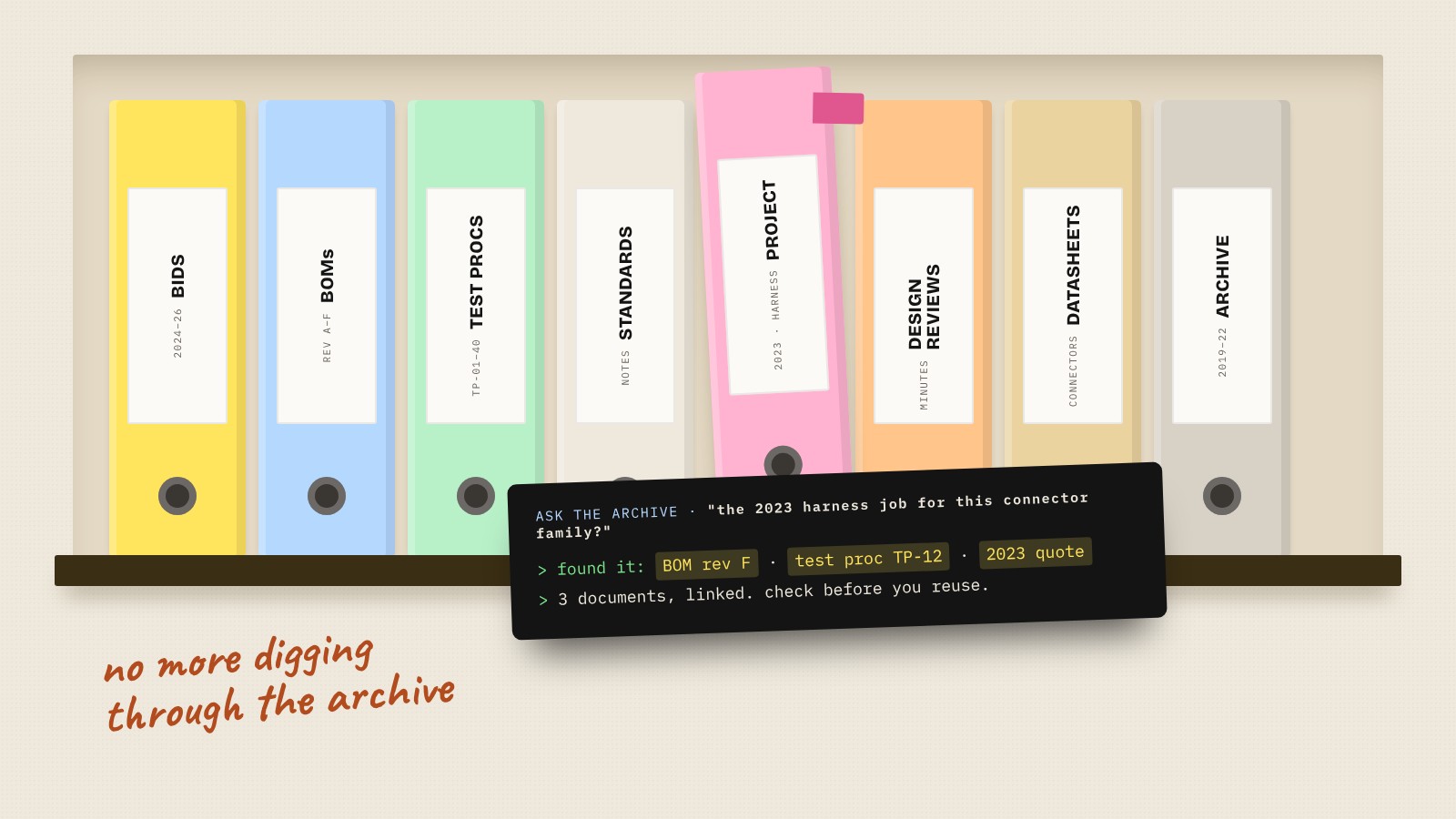
- Finding past work. Ask in plain English for "the last time we did a harness for this connector family" or "what we quoted for that test rig" and get the documents back.
- Timesheets and invoicing. Hours pulled into invoices and project reports without someone keying them in at month end.
Clear requirements make better AI
Here's something my systems engineering background taught me that turns out to matter a lot with AI: the quality of what you get out depends on how clearly you've described what you want.
Engineers are already good at this. A good prompt is basically a good requirement: what it needs to do, what it mustn't do, the format of the output and how you'll check it. Treat AI like a new starter with a clear brief, not like a search engine, and the results get a lot better.
What stays with your engineers
AI is a fast, confident junior. It doesn't do engineering judgement.
- Design decisions. It can suggest. An engineer decides.
- Calculations. Anything that matters gets checked by someone who understands it, the same as you'd check a junior's work.
- Safety and compliance. Anything safety critical or that ends up on a certificate is checked and signed off by a person, every time.
- Drawing sign-off. Checked, approved and issued by an engineer.
AI also gets things wrong while sounding certain. In engineering, that's the bit to design around: everything it produces lands as a draft for a person to check.
Your data, and your customers'
This matters more for engineering firms than most.
- Read your contracts. Many customers, especially in defence, aerospace and energy, have terms about where their data can go. Some will rule out cloud AI tools entirely.
- Export controls. If you work on export-controlled designs, that data stays out of general AI tools. Check before you automate anything that touches it.
- Business accounts only. For everything else, use business plans that don't train on your data by default, like Claude Team, and keep project files out of personal or free accounts.
How we set it up for an engineering firm
- Look at where the hours go. Bids, documents, BOMs, reporting. We pick the jobs worth tackling first.
- Set up Claude properly. A business account with Projects for your templates, standards notes and house style, so documents come out in your format first time. Claude Business Setup is £795, or Quickstart is £249 for one person.
- Automate the admin. Timesheets, invoicing, document control and reminders wired together in Make, owned by you. Builds start from £800.
- Keep the checks in. Nothing leaves the firm without an engineer checking it.
Most firms start with a 45-minute session (£150).
Questions people also ask
How can engineering firms use AI?
Mostly for the paperwork around the engineering: drafting bids, reports, specifications and test procedures, comparing BOM revisions, pulling specs from datasheets, writing up design reviews, finding past project documents and handling timesheets and invoicing. Engineers keep every design decision and sign-off.
Can AI do engineering calculations?
It can help, but it can also be confidently wrong. Treat anything it produces like a junior engineer's work: check it properly before it's used, and never rely on it for anything safety critical without a qualified person checking.
Is it safe to put engineering drawings and project data into AI tools?
Not into personal or free accounts. Use business plans that don't train on your data, check your customer contracts first and keep export-controlled data out of general AI tools altogether.
Can AI write bids and tender responses?
It can write a strong first draft from the tender documents, your past bids and your team's CVs, in your format. The engineering content, the approach and the price should come from you.
Can AI compare BOMs?
Yes, it's a good fit. AI can compare two BOM revisions and list every added, removed and changed line, which saves a lot of checking by eye. Check the result against the source before you rely on it.
How much does it cost?
At Make Automations, a 45-minute session is £150, Claude Quickstart is £249, a Claude Business Setup for the team is £795 and automation builds start from £800.