AI for E-commerce: What Small UK Online Brands Should Actually Automate
Product listings, "where's my order?" emails, stock alerts, returns and reporting, plus the review rules that could land you in trouble, from someone whose first ever automation was an online shop
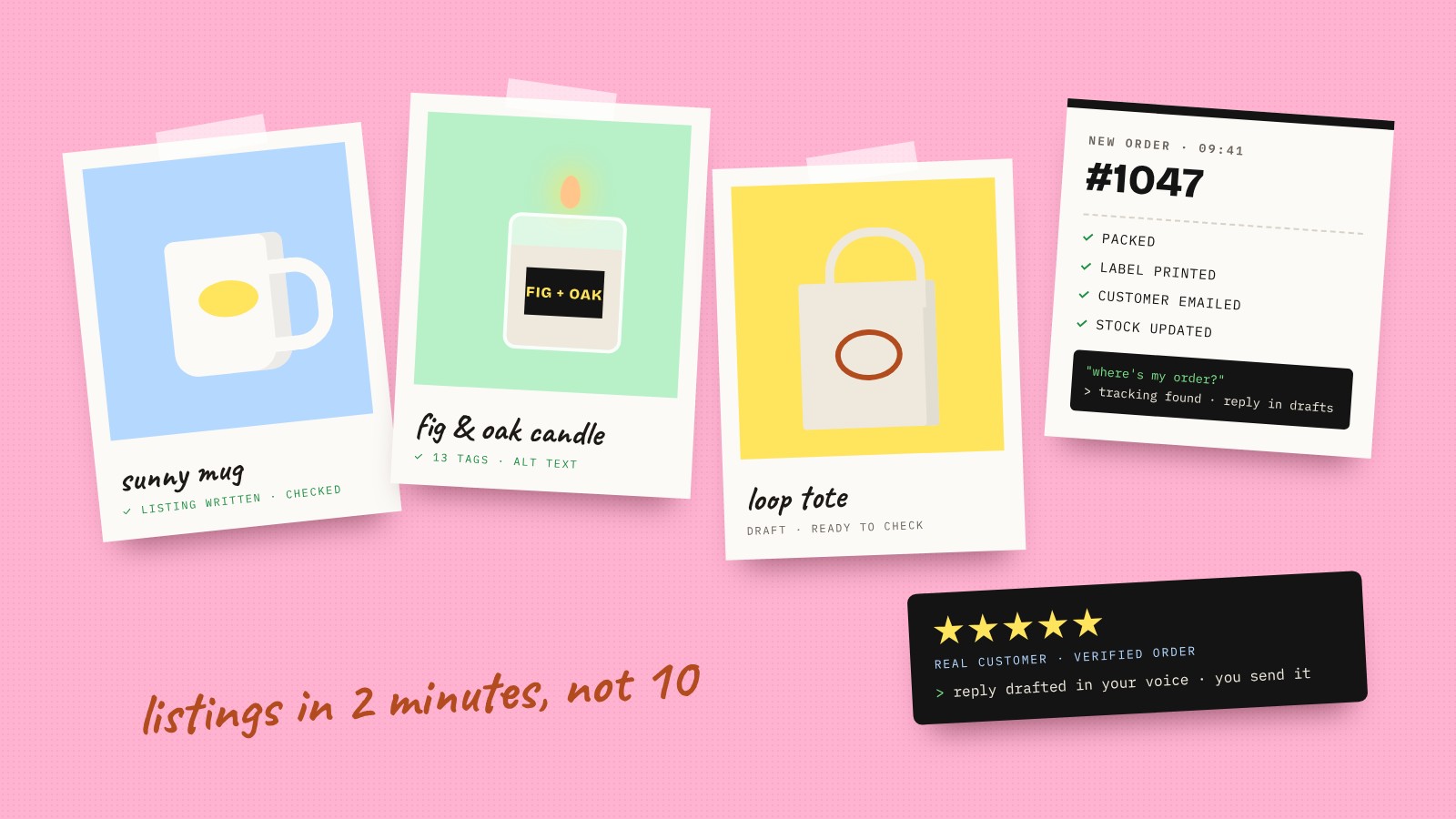
My first ever automation, built without a tutorial, was for an online shop.
I was selling digital art on Etsy, and every new product meant filling in the same forms: the title, the description and 13 tags. It became a right nightmare. Then I spotted Make.com had an Etsy module. I built an automation that took each image, had AI write a keyword-rich title, description and tags, created the listing and pushed the physical products through to Printify. A listing that took about 10 minutes by hand took about two.
That's what AI does best for an online brand. Not the flashy stuff. The repetitive jobs that pile up every single day.
Most small businesses use AI for the wrong half of the job
The Small Business Institute found that among small businesses using AI, 74% use it for content and marketing, a third for data analysis or reporting and just 5% for supply chain.
Writing copy is useful. But for an e-commerce brand, the hours go on orders, stock, customer emails and returns. That's where the time is.
Where AI genuinely helps an online brand
- Product listings. Titles, descriptions, tags and image alt text drafted from your product details and photos, in your brand voice. You check them and publish.
- "Where's my order?" emails. The most common customer email there is. AI looks up the order and the tracking, then drafts a reply for you to send, or answers straight away for the simple ones.
- Stock alerts and reorders. Low stock flagged before you sell out, with a draft reorder for your supplier ready to approve. (More on that in our guide to AI in procurement and supply chain.)
- Returns. Return requests logged, checked against your policy, labels sent and the refund queued for you to approve.
- Order exceptions. Orders that need a human, like an address that doesn't look right or a stock clash, flagged instead of quietly going wrong.
- Review replies. A draft reply to every review, good and bad. I once had AI go through around 200 reviews in about 10 minutes, sort them and draft replies.
- Post-purchase emails. Thank-yous, care instructions and review requests sent at the right time.
- Weekly numbers. Sales, top products, returns and stock in one report that updates itself, instead of logging into four dashboards.
- Accounts. Orders and fees flowing into your accounting software so the books match the shop.
The review rules you need to know
This is where AI can get an online brand into real trouble.
Since 6 April 2025, fake reviews have been banned under the Digital Markets, Competition and Consumers Act. Fake reviews can include reviews created by AI, and breaches can lead to penalties of up to 10% of annual global turnover. The CMA is enforcing it, and opened investigations into five businesses over their review practices in March 2026.
So:
- Never use AI to write reviews. Not even "to get you started".
- Use AI to reply to them. That's fine, and it's a good use of it.
- Be careful with AI review summaries. A summary that plays down the bad reviews can be misleading too.
- If you offer an incentive for reviews, say so clearly.
We're not lawyers, so check the CMA's guidance for your own setup.
What stays human
- Complaints and angry customers. AI can sort them and hand you the context. The reply comes from you.
- Refunds and disputes. AI can queue them. You decide.
- Your brand voice on social. Draft with AI if you like, but people can tell when nobody's home.
- Anything you're not sure about. It lands in drafts first.
Getting found when shoppers ask AI
Shoppers are starting to research with AI as well. Retail Economics and Metapack found nearly half of UK adults under 45 use AI tools for things like product research and price comparison.
Clear product data, honest descriptions and properly structured pages make it easier for AI tools to understand and recommend what you sell. We cover that in our guide to getting into Google's AI Mode.
How we set it up for an online brand
- Map the day. From new order to delivery to return, we look at where your time goes and pick the jobs worth automating first.
- Connect what you already use. Shopify or Etsy, your inbox, courier, accounts and spreadsheets wired together in Make, owned by you.
- AI where it helps. Listings, customer replies and review responses drafted in your voice.
- A human step built in. Refunds, complaints and anything unusual stop for you to check.
Most brands start with a 45-minute session (£150). Automation builds start from £800, and live sales dashboards from £2,400.
Questions people also ask
How can AI be used in e-commerce?
For small online brands, the biggest wins are product listings, answering "where's my order?" emails from your order data, stock alerts and reorders, returns, review replies, post-purchase emails and weekly sales reporting. A person checks refunds, complaints and anything unusual.
Can AI write product descriptions?
Yes, and it's one of the quickest wins. Give it your product details, photos and brand voice and it drafts titles, descriptions, tags and alt text. Check them before they go live, especially anything about materials, sizes or safety.
Can I use AI to write reviews for my shop?
No. Fake reviews, including ones created by AI, have been banned in the UK since April 2025 under the Digital Markets, Competition and Consumers Act. Use AI to reply to genuine reviews instead.
Can AI answer customer emails for my online shop?
It can draft replies to common questions like order status, delivery times and returns using your order data and policies. Simple ones can be answered straight away. Complaints and refunds should come from a person.
Does this work with Shopify?
Yes. Make connects to Shopify, Etsy and most of the other tools online brands use, including email platforms and accounting software. If a tool has an API, Make can usually talk to it, and we check yours before quoting.
How much does it cost?
At Make Automations, a 45-minute session to work out where to start is £150, automation builds start from £800 and live sales dashboards from £2,400.