The Best AI Tools for Small Business (The Ones We Actually Use)
No list of 50 tools you'll never open. Just the handful we use every week, what each one is for and where to start
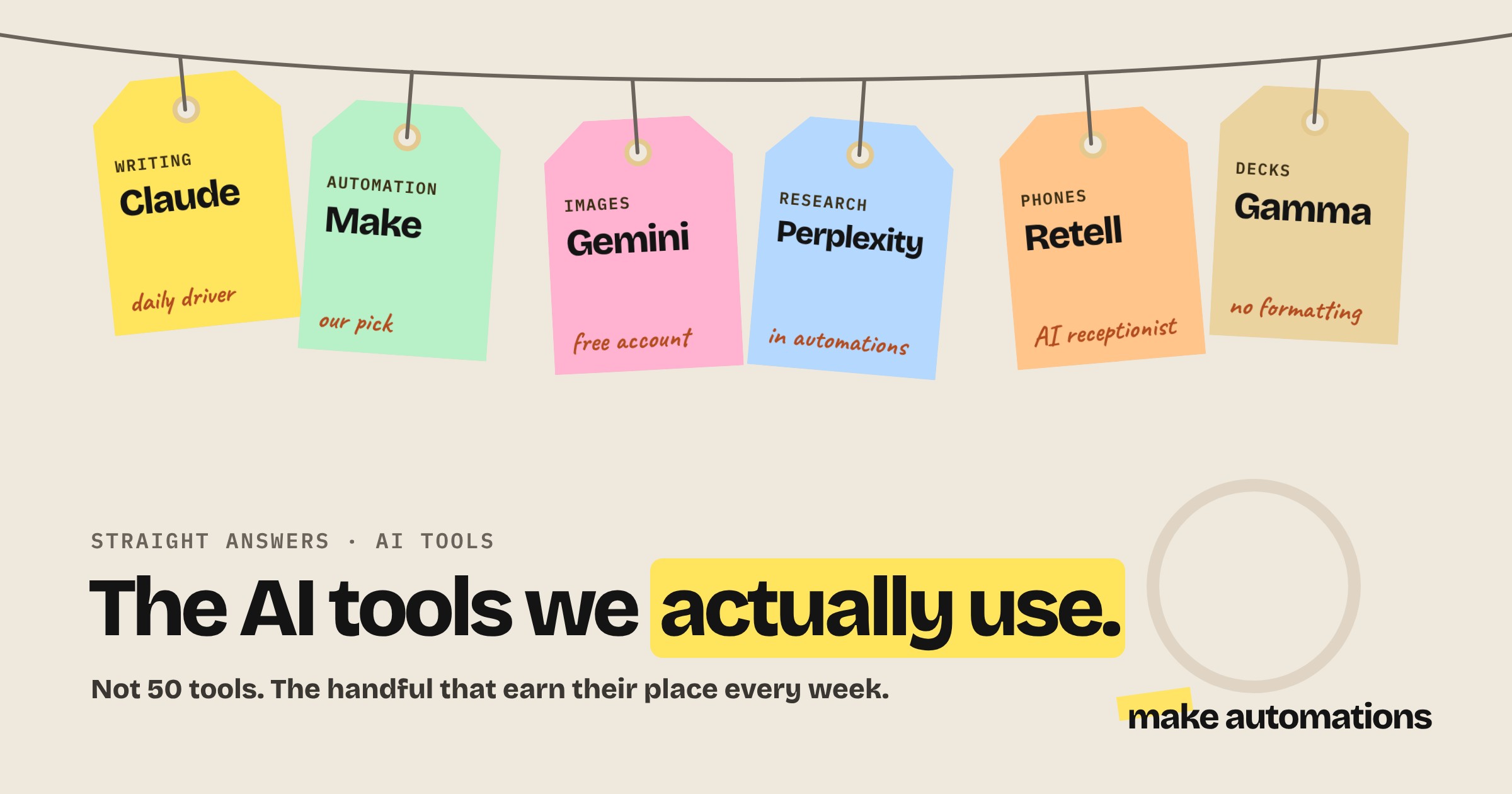
I've been using AI for over three years and I've tried pretty much every platform going. Most of them I opened once and never touched again.
So this isn't a list of 50 tools. It's the small set I actually use every week to run our business and build things for clients, what each one is for and when you'd use it. None of them are sponsoring me.
Quick note before you start signing up for things: look at what you already have first. Your email, your CRM, your accounting software and your website builder may already have AI features you're paying for and not using.
The quick list
| Job | What we use | Free to start? |
|---|---|---|
| Writing, thinking, everyday AI | Claude | Yes, limited |
| Connecting your apps | Make | Yes |
| Images and video | Gemini | Yes |
| Research | Perplexity and NotebookLM | Yes |
| Presentations | Gamma | Yes |
| Phone calls | Retell AI | Pay as you go |
| Building your own tools | Google AI Studio | Yes |
| Pulling data from websites | Apify | Yes |
As of October 2026. AI tools change fast, so check the details before you commit.
Your everyday AI assistant: Claude
Claude is my daily driver. I use it for writing, planning, working through ideas and pretty much anything that involves words.
Three reasons it's my pick: it writes the most like a human of the big three, it follows instructions properly and it'll tell you when your idea has holes in it rather than telling you everything's amazing.
If you're brand new to AI, ChatGPT's free plan is a great place to try things out before you pay for anything. We compare all three in ChatGPT vs Claude vs Gemini.
My tip: pick one AI assistant and learn it properly. Set it up with your business information and tone of voice so it actually knows your business. One tool you know well beats three you half know.
Connecting your apps: Make
Make is the tool that turns AI from something you copy and paste into something that does the work for you. It connects your apps together, so a new enquiry, invoice or form entry triggers a whole chain of steps automatically.
It's our tool of choice because it's beginner friendly, has a useful free plan and is the best value of the main platforms once you're paying. It's also where all of our automations live.
Alternatives: Zapier is the easiest to pick up but gets expensive quickly. n8n is brilliant if you're technical and want to run high volumes on your own server. The full comparison is in Make vs Zapier vs n8n.
Images and video: Gemini
Claude doesn't make images or video, so I keep a free Gemini account for anything visual. Google's image tools are brilliant for product shots and editing photos, and their video tools are among the best around.
My tip: for social graphics, try asking your AI assistant to design them in HTML using your brand colours instead. You can then ask for precise tweaks like "make the headline bigger" without it changing everything else, which is the frustrating part of editing AI images.
Research: Perplexity and NotebookLM
Perplexity is what I use for research inside automations. When a new lead comes in, it looks up the company and gives a more rounded answer than a basic web search.
NotebookLM is Google's research tool. Drop in documents, transcripts or web pages and ask questions about them. It's great for getting your head around a big pile of information quickly.
Presentations: Gamma
Gamma turns an outline into a decent-looking presentation or document in minutes. If you make pitch decks, proposals or training slides and dread the formatting, it's well worth a look.
Phone calls: Retell AI
If you miss calls while you're working, an AI receptionist can answer them, take messages and book appointments. When I build voice agents, I use Retell AI. It's really straightforward, and it connects nicely to Make for booking and follow-ups.
There are also ready-made AI receptionist services if you'd rather not build anything. See our AI receptionist guide for costs and how to set one up properly.
AI agents: Make AI Agents and Clyde
If you need AI that can work across your tools and hold a conversation, rather than follow fixed steps, that's an AI agent. Make's AI Agents are a good place to start if you're already using Make. In my testing they're better than most at actually using the tools you give them.
We also built our own agent platform, Clyde, for business owners who want an AI team they can set up in minutes. Obviously I'm biased on that one.
Most businesses asking for an agent actually need a simple automation, though. Read AI agents for small business before you go down that route.
Building your own tools: Google AI Studio
This one surprises people. Google AI Studio lets you build small apps and internal tools just by describing what you want, and it's free to use. Calculators, quote builders, simple dashboards, that sort of thing.
It's brilliant for internal tools only you and your team use. For anything customer facing that handles personal data, get someone who knows code to check it before it goes live.
Pulling data from websites: Apify
Apify scrapes information from websites and social platforms. I've used it to pull hundreds of reviews for analysis and to keep social media stats up to date. It's cheap, often well under a dollar to a couple of dollars per thousand results, and it plugs straight into Make.
Use it responsibly. Stick to public information and respect each site's terms.
How to choose the right AI tools
- Start with the job, not the tool. Work out what you want to automate first, then find the tool. Our guide to what to automate first walks you through it.
- Use what you already have. Check the AI features in tools you already pay for before adding new ones.
- Try the free plan first. Almost everything here has one. Work out your prompts and process before you pay.
- Check for API access. If you want to connect a tool to Make, make sure your plan includes it. Your ChatGPT subscription, for example, doesn't include API access.
- Check the data side. Know where your data goes, especially customer data. Our guide on whether AI is safe for business covers what to look for.
- Stick with the big players for anything you rely on. New AI tools come and go. For the things your business depends on, established platforms are the safer bet.
What it all costs
You can try every tool on this list for free. When you're ready to pay, a main AI assistant is around $20 a month and Make starts at about $9 a month billed yearly. Most small businesses can run a really capable setup for well under £50 a month. There's a full breakdown in how much AI automation costs.
Where to start
If you're still not sure AI is right for you, start with our honest take on whether AI is worth it for a small business.
Otherwise, don't sign up for everything at once. Start with an AI assistant and get comfortable with it. Then add Make and automate one job, like chasing invoices, following up leads or answering customer questions.
Add the specialist tools when you have a specific job for them, not before.
Questions people also ask
What are the best AI tools for a small business?
For most small businesses: an AI assistant like Claude or ChatGPT for writing and thinking, an automation platform like Make to connect your apps, Gemini for images and video and Perplexity or NotebookLM for research. Add specialist tools like an AI receptionist only when you need them.
What AI tools are free for small businesses?
Most of the main tools have free plans, including ChatGPT, Claude, Gemini, Make, NotebookLM, Gamma and Google AI Studio. They're enough to work out what helps before you pay.
Which AI assistant is best for business?
We use Claude for most business work because it writes naturally, follows instructions well and gives honest feedback. ChatGPT is a good free starting point for complete beginners.
Do I need lots of AI tools?
No. A small set covers most needs: one AI assistant, one automation platform and a couple of specialist tools. Learning a few tools properly beats signing up for dozens.
How much do AI tools cost for a small business?
You can start for free. A paid AI assistant is around $20 a month and Make starts at about $9 a month billed yearly, so a capable setup is usually well under £50 a month.
What's the best AI tool for automating my business?
An automation platform like Make, which connects your existing apps and can use AI at any step. It's beginner friendly, has a free plan and doesn't need any code.